How to Build and Test Real-Time WebSocket Chat in React Without a Backend Server

Learn how to test native WebSockets, Socket.io, room messaging, typing indicators, and SSE streams in frontend apps without running local WS servers.
NK
Nilesh Kumar
Creator of Playground API
How to Build and Test Real-Time WebSocket Chat in React Without a Backend Server

How to Build and Test Real-Time WebSocket Chat in React Without a Backend Server

Frontend engineers building real-time collaborative interfaces—such as live customer support widgets, multiplayer notification bars, or team chat channels—inevitably run into a painful testing hurdle:

"How do I test bi-directional message dispatching, typing indicators, reconnection loops, and multi-user room broadcasting before the backend WebSocket server is deployed?"

Traditionally, you either have to write a local Node.js ws or socket.io server script, manage local port tunnels with ngrok for mobile testing, or write brittle in-memory mock classes that don't test true RFC 6455 network frames.

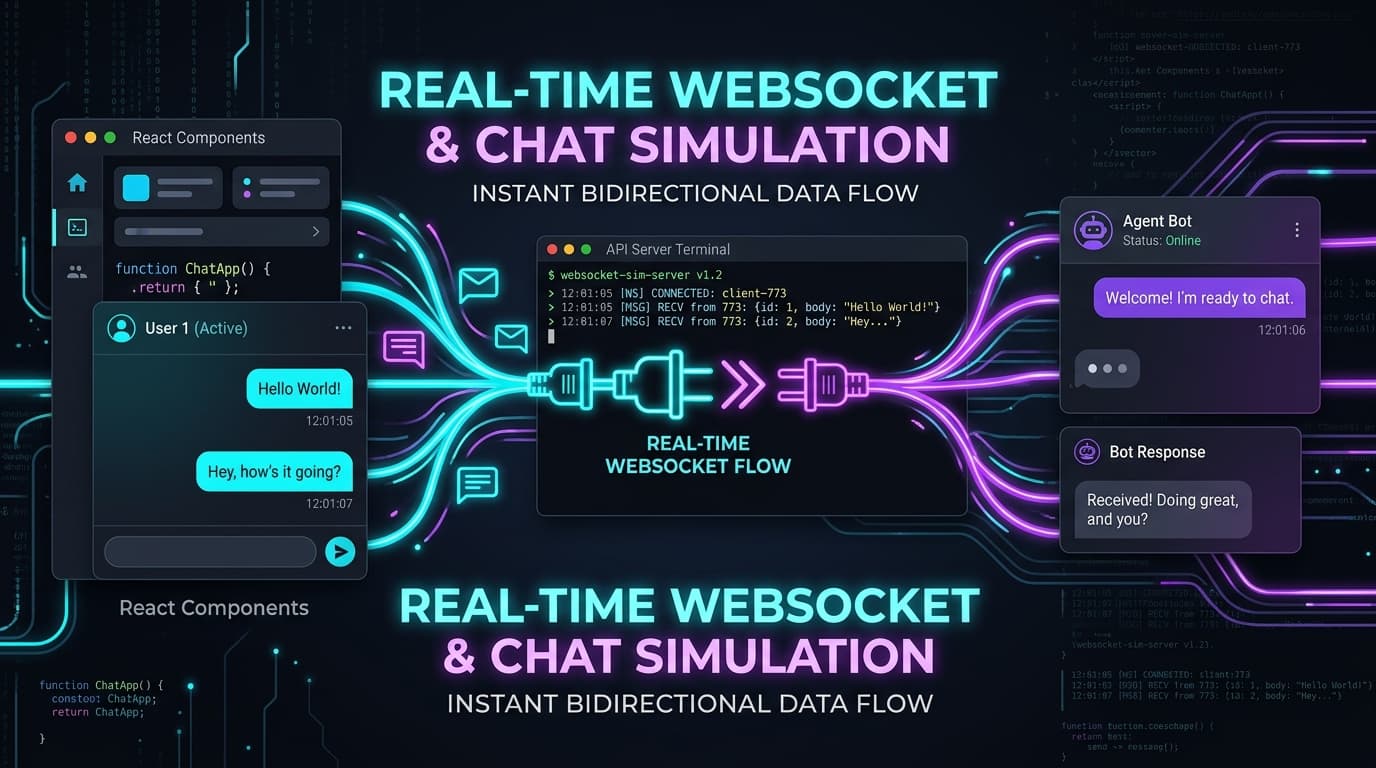
In this guide, we explore the mechanics of real-time protocols, compare Native WebSocket vs Socket.io vs Server-Sent Events (SSE), and demonstrate how to build an interactive, multi-room chat client in React tested against Playground API's zero-config real-time gateway.


1. Comparing Real-Time Transport Protocols

Before writing frontend code, let's look at the three primary real-time communication patterns:

mermaid
1
graph TD
2
subgraph Native WebSocket [Native WebSocket RFC 6455]
3
WSClient[Browser Client] <-->|Bidirectional Full-Duplex TCP wss://| WSServer[WS Gateway]
4
end
5
6
subgraph SocketIO [Socket.io 4.x]
7
SIOClient[Browser Client] <-->|HTTP Long-Polling Fallback + Auto-Upgrade| SIOServer[Socket.io Server]
8
end
9
10
subgraph SSE [Server-Sent Events]
11
SSEClient[Browser Client] <--|Unidirectional text/event-stream| SSEServer[HTTP Stream Endpoint]
12
end

Protocol Comparison Matrix

FeatureNative WebSocket (wss://)Socket.io (/socket.io)Server-Sent Events (SSE)
DirectionalityFull-Duplex Bi-directionalFull-Duplex Bi-directionalUnidirectional (Server &rarr; Client)
Browser Native?✅ Yes (new WebSocket())❌ Requires client library✅ Yes (new EventSource())
Automatic Reconnect❌ Manual implementation✅ Built-in✅ Built-in by browser
Room / Namespace❌ Manual routing✅ Built-in❌ Single stream URL
Best ForLive chat, gaming, standard APIsEnterprise messaging, auto-fallbacksLive notifications, telemetry

2. Connecting to the Live Real-Time Gateway

Playground API provides a unified real-time gateway where Native WebSocket clients and Socket.io clients communicate seamlessly in the exact same room:

  • Native WebSocket: wss://playground.nileslabs.com/ws?room=general&username=Alice
  • Socket.io 4.x: https://playground.nileslabs.com with path /socket.io
  • Server-Sent Events (SSE): https://playground.nileslabs.com/api/v1/stream/notifications

The Standard Message Schema

All incoming and outgoing chat payloads follow this standardized format:

json
1
{
2
"type": "message",
3
"id": "msg-local-12345",
4
"room": "support",
5
"sender_id": 1,
6
"sender_name": "Alice Developer",
7
"recipient_id": "bot_assistant",
8
"text": "Hello, I need help testing real-time events!",
9
"created_at": "2026-09-19T10:00:00.000Z"
10
}

3. Building a Real-Time React Chat Component

Let's build a clean, production-ready React chat component using the native browser WebSocket API with automatic reconnection, typing indicators, and room switching:

tsx
1
// src/components/LiveChatWidget.tsx
2
import React, { useState, useEffect, useRef } from 'react';
3
4
interface ChatMessage {
5
id: string;
6
room: string;
7
sender_name: string;
8
text: string;
9
created_at: string;
10
}
11
12
export function LiveChatWidget() {
13
const [messages, setMessages] = useState<ChatMessage[]>([]);
14
const [inputText, setInputText] = useState('');
15
const [room, setRoom] = useState('support');
16
const [isConnected, setIsConnected] = useState(false);
17
const [botTyping, setBotTyping] = useState(false);
18
const wsRef = useRef<WebSocket | null>(null);
19
20
useEffect(() => {
21
// 1. Establish Native WebSocket connection with query parameters
22
const wsUrl = wss://playground.nileslabs.com/ws?room=${room}&username=FrontendEngineer`;
23
const ws = new WebSocket(wsUrl);
24
wsRef.current = ws;
25
26
ws.onopen = () => {
27
setIsConnected(true);
28
};
29
30
ws.onmessage = (event) => {
31
try {
32
const payload = JSON.parse(event.data);
33
34
if (payload.type === 'message') {
35
setMessages((prev) => [...prev, payload]);
36
} else if (payload.type === 'typing') {
37
setBotTyping(payload.isTyping);
38
}
39
} catch (err) {
40
console.error('Invalid JSON payload:', event.data);
41
}
42
};
43
44
ws.onclose = () => {
45
setIsConnected(false);
46
};
47
48
return () => {
49
ws.close();
50
};
51
}, [room]);
52
53
function handleSendMessage(e: React.FormEvent) {
54
e.preventDefault();
55
if (!inputText.trim() || !wsRef.current || wsRef.current.readyState !== WebSocket.OPEN) return;
56
57
// 2. Dispatch message to the room
58
const messagePayload = {
59
type: 'message',
60
room: room,
61
sender_name: 'FrontendEngineer',
62
text: inputText,
63
};
64
65
wsRef.current.send(JSON.stringify(messagePayload));
66
setInputText('');
67
}
68
69
return (
70
<div className="max-w-lg mx-auto p-4 bg-slate-900 border border-slate-800 rounded-2xl shadow-xl text-slate-100 font-sans">
71
{/* Header & Status */}
72
<div className="flex items-center justify-between pb-3 border-b border-slate-800">
73
<div className="flex items-center gap-2">
74
<span className={w-2.5 h-2.5 rounded-full ${isConnected ? 'bg-emerald-500 animate-pulse' : 'bg-rose-500'}} />
75
<h3 className="font-bold text-sm text-white">Live Chat (#{room})</h3>
76
</div>
77
<select
78
value={room}
79
onChange={(e) => { setMessages([]); setRoom(e.target.value); }}
80
className="bg-slate-950 text-xs px-2 py-1 rounded border border-slate-700 text-slate-300"
81
>
82
<option value="support">#support (Echo Bot Enabled)</option>
83
<option value="general">#general</option>
84
<option value="random">#random</option>
85
</select>
86
</div>
87
88
{/* Messages Feed */}
89
<div className="h-64 overflow-y-auto my-3 space-y-2 p-2 bg-slate-950/60 rounded-xl border border-slate-800/80 text-xs">
90
{messages.length === 0 ? (
91
<p className="text-slate-500 text-center py-20">No messages yet. Send a message to chat with the Echo Bot!</p>
92
) : (
93
messages.map((msg, idx) => (
94
<div key={msg.id || idx} className={p-2 rounded-lg ${msg.sender_name === 'FrontendEngineer' ? 'bg-indigo-600/20 ml-6' : 'bg-slate-800/60 mr-6'}}>
95
<span className="font-bold text-slate-300 block">{msg.sender_name}:</span>
96
<p className="text-slate-200 mt-0.5">{msg.text}</p>
97
</div>
98
))
99
)}
100
{botTyping && (
101
<div className="text-slate-400 italic text-[11px] animate-pulse">
102
Support Bot is typing...
103
</div>
104
)}
105
</div>
106
107
{/* Input Form */}
108
<form onSubmit={handleSendMessage} className="flex gap-2">
109
<input
110
type="text"
111
value={inputText}
112
onChange={(e) => setInputText(e.target.value)}
113
placeholder="Type your message or mention @bot..."
114
className="flex-1 bg-slate-950 border border-slate-700 px-3 py-2 rounded-lg text-xs text-white focus:outline-none focus:border-indigo-500"
115
/>
116
<button
117
type="submit"
118
disabled={!isConnected}
119
className="bg-indigo-600 hover:bg-indigo-500 disabled:bg-slate-800 text-white font-bold text-xs px-4 py-2 rounded-lg transition-colors"
120
>
121
Send
122
</button>
123
</form>
124
</div>
125
);
126
}

4. Testing the Built-in Support Bot Simulator

When testing chat applications locally, it’s frustrating to test alone because you have to open two browser windows to simulate a conversation.

Playground API includes an Automated Echo Support Bot:

  1. When you join the #support room or mention @bot, the gateway automatically fires a { type: "typing", isTyping: true } event.
  2. After 250ms of natural typing delay, the bot replies with an echo acknowledgment.
  3. It automatically turns off the typing indicator event!

5. Summary & Key Takeaways

  1. Native WebSockets and Socket.io can be tested without local servers. By targeting wss://playground.nileslabs.com/ws, frontend developers can verify connection lifecycles, typing indicators, and room routing instantly.
  2. Server-Sent Events (SSE) provide lightweight unidirectional streams. Use GET /api/v1/stream/notifications for testing notification bells and real-time dashboard counters.
  3. Session state is preserved. Chat history created during your session persists across refreshes.

Explore the interactive live Chat Studio and copy starter code at:

👉 https://playground.nileslabs.com/docs/chat

Tags:#react#websocket#javascript#webdev

Try Playground API in Your Own App

Stateful mock REST & GraphQL API with private sandbox overlays.