Testing Frontend Event Telemetry & Analytics Streams Without Mocking PostHog or Segment
Learn how to test event tracking pipelines, user funnel tracking, batch telemetry dispatching, and event timelines using Playground API.
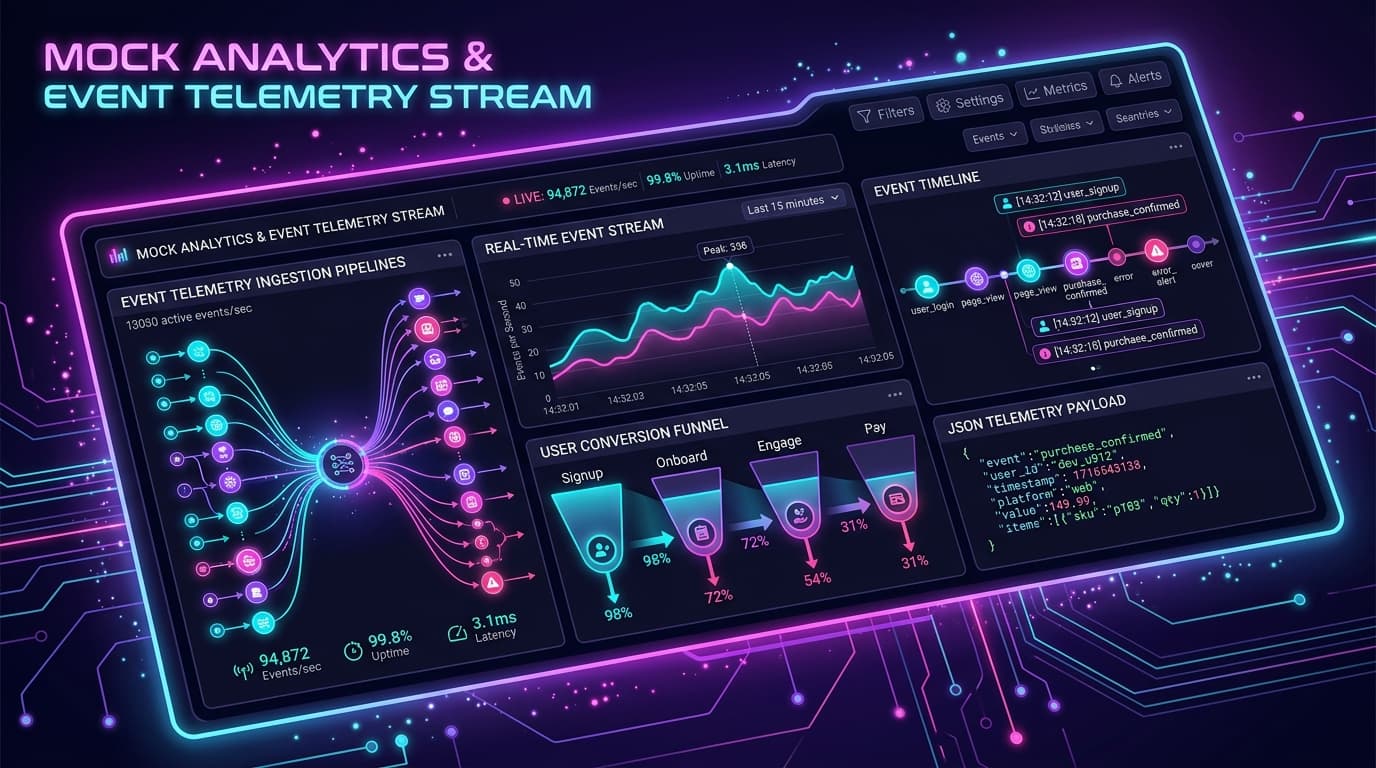
Testing Frontend Event Telemetry & Analytics Streams Without Mocking PostHog or Segment
Frontend analytics instrumentation is notoriously hard to test reliably. Whether you are tracking button clicks, page views, onboarding funnel completions, or ecommerce checkouts, testing usually involves:
- Setting up throwaway dev projects on Mixpanel, Segment, or PostHog.
- Checking browser network tabs for minified tracking pixels.
- Fighting CORS issues or waiting minutes for events to ingest into dashboards.
Playground API now provides a dedicated Mock Analytics & Event Telemetry Stream with live event timelines and batch ingestion endpoints.
1. Tracking Single & Batch Telemetry Events
You can send event payloads directly to POST /api/v1/analytics/track:
Batch Ingestion (POST /api/v1/analytics/batch)
If your frontend buffers analytics events and flushes them periodically:
2. Querying Telemetry History & Live Timeline
You can query all events tracked within your session:
Response:
3. Real-Time In-Browser Event Timeline
Instead of inspecting minified network payloads, navigate to:
👉 https://playground.nileslabs.com/docs/analytics
The live event timeline displays:
- Visual event pills categorized by type (
page_view,interaction,conversion,error). - Real-time funnel progression graphs.
- One-click clear session history to reset before running automated E2E tests.
Conclusion
Stop polluting your production analytics accounts with test clicks. Test your tracking hooks and telemetry pipelines seamlessly with Playground API!
Try Playground API in Your Own App
Stateful mock REST & GraphQL API with private sandbox overlays.