How to Test Cursor-Based Pagination & Infinite Scroll in React Without a Backend

Learn how to test cursor-based pagination, opaque base64 tokens, React Query useInfiniteQuery, and infinite scroll feeds using Playground API.
NK
Nilesh Kumar
Creator of Playground API
How to Test Cursor-Based Pagination & Infinite Scroll in React Without a Backend

How to Test Cursor-Based Pagination & Infinite Scroll in React Without a Backend

Standard offset-based pagination (?page=2&limit=10) works fine for simple tables, but for modern infinite scroll feeds (Twitter, Instagram, Reddit style), offset pagination fails because:

  • New items inserted at the top shift the entire list, causing duplicate items or skipped entries when scrolling down.
  • Database OFFSET queries degrade severely on large datasets.

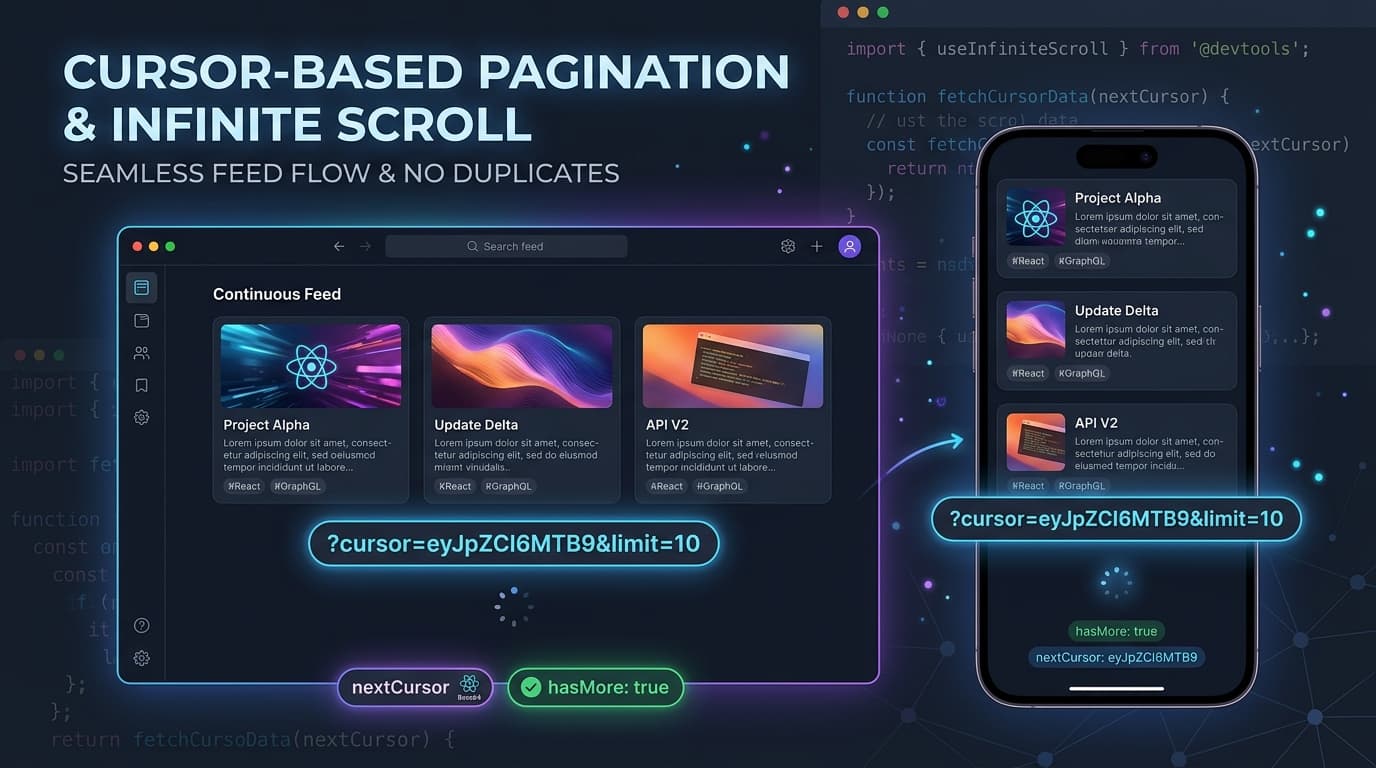
Modern production APIs use Cursor-Based Pagination (?cursor=<base64>&limit=10), returning a pointer to the last item seen (nextCursor) and a boolean hasMore flag.

Playground API now provides native Cursor-Based Pagination across all endpoints!


1. The Cursor Endpoint Contract

Make a request with cursor and limit:

Terminal
curl "https://playground.nileslabs.com/posts?cursor=eyJpZCI6MTB9&limit=10"

JSON Response:

json
1
{
2
"data": [
3
{ "id": 11, "title": "Next Post Title", "body": "..." },
4
{ "id": 12, "title": "Another Post", "body": "..." }
5
],
6
"pagination": {
7
"nextCursor": "eyJpZCI6MjB9",
8
"hasMore": true,
9
"total": 100
10
}
11
}

When reaching the end of the collection, hasMore returns false and nextCursor returns null.


2. Integrating with TanStack React Query (useInfiniteQuery)

tsx
1
import { useInfiniteQuery } from '@tanstack/react-query';
2
3
async function fetchPosts({ pageParam = null }: { pageParam?: string | null }) {
4
const url = pageParam
5
? https://playground.nileslabs.com/posts?cursor=${pageParam}&limit=10`
6
: 'https://playground.nileslabs.com/posts?limit=10';
7
8
const res = await fetch(url);
9
return res.json();
10
}
11
12
export function InfiniteFeed() {
13
const {
14
data,
15
fetchNextPage,
16
hasNextPage,
17
isFetchingNextPage,
18
} = useInfiniteQuery({
19
queryKey: ['infinite-posts'],
20
queryFn: fetchPosts,
21
getNextPageParam: (lastPage) => lastPage.pagination.nextCursor,
22
initialPageParam: null,
23
});
24
25
return (
26
<div>
27
{data?.pages.map((page, i) => (
28
<div key={i}>
29
{page.data.map((post: any) => (
30
<div key={post.id} className="post-card">
31
<h4>{post.title}</h4>
32
</div>
33
))}
34
</div>
35
))}
36
37
{hasNextPage && (
38
<button onClick={() => fetchNextPage()} disabled={isFetchingNextPage}>
39
{isFetchingNextPage ? 'Loading more...' : 'Load More'}
40
</button>
41
)}
42
</div>
43
);
44
}

3. Interactive Pagination Studio

Explore cursor tokens, page parameters, and infinite scrolling in the documentation:

👉 https://playground.nileslabs.com/docs/pagination


Conclusion

Test real infinite scroll feeds and TanStack Query caching seamlessly with Playground API!

Tags:#react#webdev#javascript#frontend

Try Playground API in Your Own App

Stateful mock REST & GraphQL API with private sandbox overlays.