Shareable Sandbox URLs & Cross-Device Mobile QR Sync in Playground API
Learn how to share stateful mock API sandboxes with team members and sync live prototype data instantly to mobile devices using QR codes.
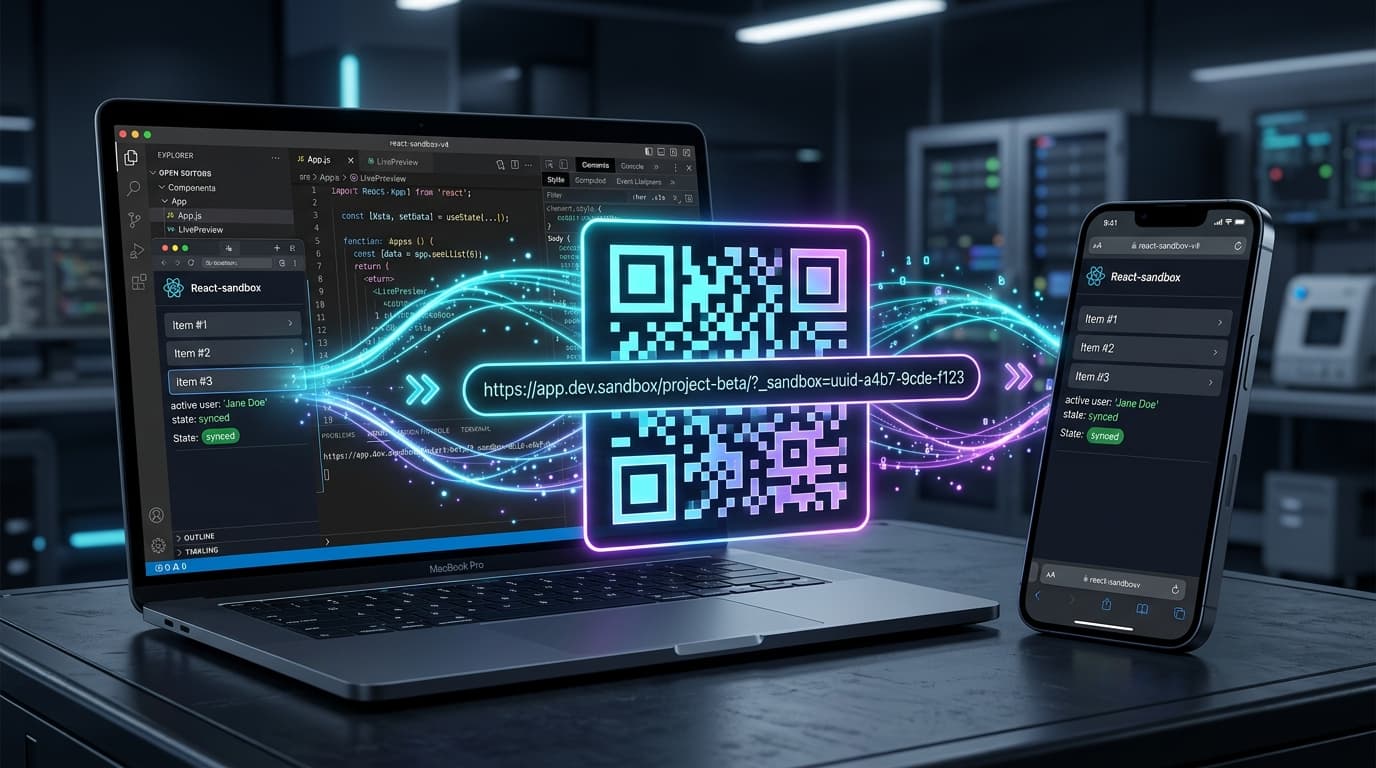
Shareable Sandbox URLs & Cross-Device Mobile QR Sync in Playground API
When sharing a frontend prototype with a client, designer, or QA engineer, you run into a classic problem:
- The mock data you created (custom blog posts, uploaded avatars, updated todos) is stored only in your local browser session.
- When someone else opens the prototype link, they see an empty or generic base state.
- Testing on a physical mobile device requires manually recreating the test state from scratch.
Playground API solves this with Shareable Sandbox URLs (?_sandbox=<uuid>) and Cross-Device Mobile QR Sync!
1. How Shareable Sandbox URLs Work
Every session sandbox can be exported or linked via a unique UUID:
When someone opens your React app with this sandbox parameter, the client simply forwards ?_sandbox=... in API requests (or passes the X-Playground-Identity header). Both users now share the exact same stateful dataset in real time!
2. Instant Cross-Device Mobile QR Sync
Inside the Playground API documentation sidebar:
- Click the "Share Sandbox" button.
- A modal displays a dynamic QR code containing your active sandbox session URL.
- Scan the QR code with your iPhone or Android camera.
- Your mobile browser immediately loads the web app connected to your exact test data!
3. Forwarding Sandbox Identifiers in React
4. Interactive Sharing Studio
Test sandbox cloning, copy share links, and generate sync QR codes directly in the documentation:
👉 https://playground.nileslabs.com/docs/sharing
Conclusion
Collaborate on frontend prototypes seamlessly and test on real mobile devices with zero backend deployment using Playground API!
Try Playground API in Your Own App
Stateful mock REST & GraphQL API with private sandbox overlays.