How to Test Multipart File Uploads & Cloud Storage CDN in React Without an S3 Bucket
Learn how to test multipart/form-data file uploads, progress bars, image previews, latency simulation, and bulk uploads using Playground API.
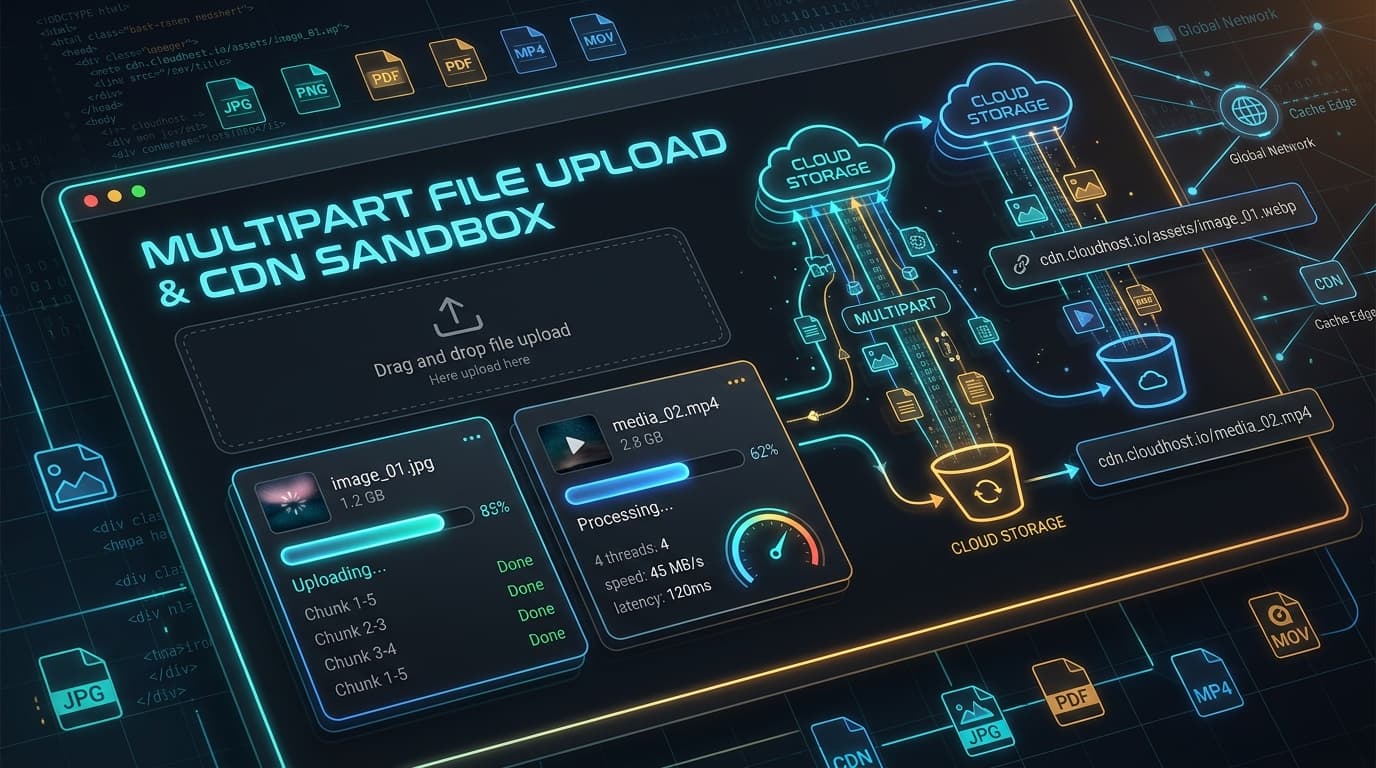
How to Test Multipart File Uploads & Cloud Storage CDN in React Without an S3 Bucket
Building drag-and-drop file upload interfaces in React often hits a major hurdle during development: where do the files actually go?
Setting up AWS S3 pre-signed URLs or Cloudinary credentials just to test if your progress bar animates or if image thumbnails render properly is tedious. Worse, when you need to test edge cases—like uploading a 15MB file over a slow 3G connection, or handling unsupported file types (415 Unsupported Media Type)—mocking FormData requests in client-side code feels impossible.
Playground API provides a dedicated Multipart File Upload & Cloud Storage Sandbox (POST /api/v1/uploads and POST /api/v1/uploads/bulk) with simulated upload latency and CDN media URLs!
1. Uploading a Single File with FormData
Send standard multipart/form-data requests:
JSON Response:
2. Simulating Upload Latency & Progress Bars
To test your UI progress bars and loading spinners under real-world conditions, pass the _delay query parameter or X-Simulate-Delay header:
Playground API holds the connection and streams progress events before completing with the CDN asset metadata.
3. Bulk Uploads & Multi-File Validation
Need to test multi-file upload zones? Use POST /api/v1/uploads/bulk:
4. Live Interactive Upload Studio
Test drag-and-drop uploads, inspect CDN response URLs, and preview image thumbnails directly inside the docs:
👉 https://playground.nileslabs.com/docs/uploads
Conclusion
Say goodbye to dummy file upload mocks. Test real FormData requests, simulated bandwidth, and CDN responses with Playground API today!
Try Playground API in Your Own App
Stateful mock REST & GraphQL API with private sandbox overlays.