Building a React CRUD Application With a REST API and GraphQL
Compare building a modern React CRUD application with REST versus GraphQL. Understand trade-offs, query shapes, state mutations, and implementation patterns.
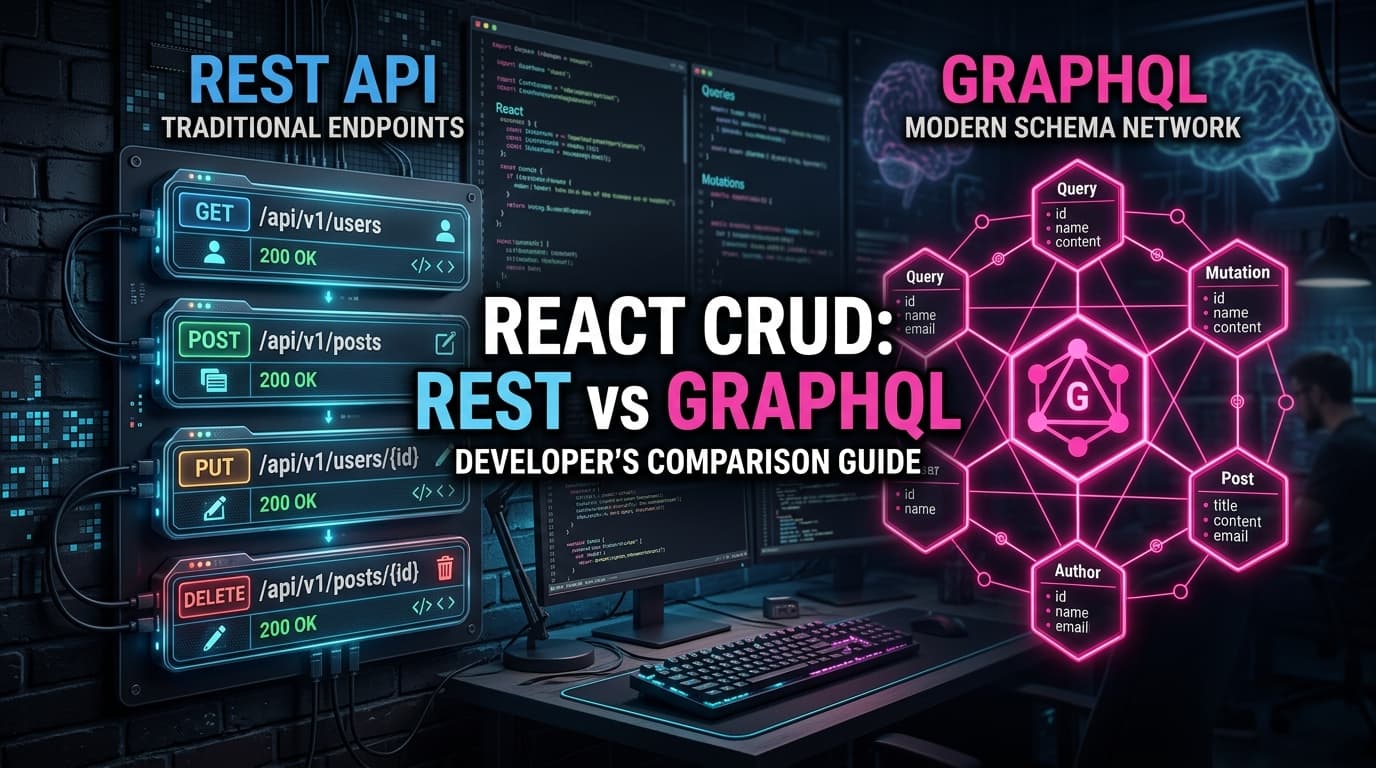
Building a React CRUD Application With a REST API and GraphQL
The debate between REST and GraphQL is one of the most enduring conversations in frontend engineering.
Some developers love the simplicity, caching, and predictable HTTP status codes of REST. Others swear by GraphQL’s ability to fetch deeply nested relational data in a single round-trip without over-fetching or under-fetching.
Instead of arguing theoretically, let's explore how to build and test the exact same React CRUD feature using both approaches against a unified backend sandbox.
The Scenario: A User Profile with Posts and Comments
Imagine we are building a user profile screen that needs to display:
- User details (name, email, company)
- The user's published blog posts
- The latest comments on each post
Let's look at how REST and GraphQL approach this data requirement.
Approach 1: The REST Workflow
In standard REST architecture, resources are organized around distinct URL endpoints.
Fetching Data in REST:
To get the user and their related posts and comments, a REST client typically executes sequential or parallel HTTP GET requests:
The Advantage: Simple, intuitive, leverages standard browser and CDN caching, uses native HTTP status codes (200, 404, 500).
The Friction: Multiple network roundtrips (under-fetching) or downloading unused fields (over-fetching).
React REST Code Example:
Approach 2: The GraphQL Workflow
In GraphQL, client applications query a single endpoint (/api/v1/graphql) using a declarative query language that requests only the exact fields needed.
Fetching Data in GraphQL:
With GraphQL, the entire nested data graph is retrieved in a single POST request:
The Advantage: Zero over-fetching, single network roundtrip, strictly typed schema.
The Friction: All requests are POST to /graphql, requiring specialized client libraries (Apollo Client, URQL, or custom fetchers) to handle caching and error parsing.
React GraphQL Code Example:
Comparing CRUD Mutations: REST vs. GraphQL
Let's compare creating a new post:
REST Mutation (POST /api/v1/posts):
GraphQL Mutation (mutation CreatePost):
Notice the key difference: in GraphQL, you can request nested fields (like user { name }) immediately within the mutation response, eliminating follow-up queries.
When to Choose REST vs. GraphQL
| Decision Factor | Choose REST | Choose GraphQL |
|---|---|---|
| Project Complexity | Simple to moderate CRUD apps | Complex apps with deeply nested relations |
| Caching Requirements | Heavy reliance on HTTP/CDN caching | Client-side normalized caching (Apollo / Urql) |
| Bandwidth Sensitivity | Standard web applications | Mobile apps where every byte counts |
| Learning Curve | Lowest (Standard browser fetch) | Requires understanding schemas & queries |
| Tooling Overhead | Zero tooling required | Code generation, schema compilation |
Testing Both in a Single Sandbox
Finding a sandbox that supports both modern REST filtering and a live GraphQL gateway with mutation persistence is usually difficult.
Playground API by Niles Labs offers dual REST and GraphQL gateways over the exact same underlying dataset:
- REST Endpoints:
https://playground.nileslabs.com/api/v1/posts - GraphQL Endpoint:
https://playground.nileslabs.com/api/v1/graphql - Interactive GraphiQL IDE: Visit
https://playground.nileslabs.com/api/v1/graphqlin your browser to inspect the full schema, types, and documentation interactively.
Any record created via GraphQL is instantly accessible via REST GET /posts, and vice versa.
Conclusion
Neither REST nor GraphQL is universally "better"—they are tools tailored for different architectural priorities. By testing both approaches against a unified, stateful sandbox, you can make informed decisions based on concrete code and real network performance rather than internet dogma.
Compare REST and GraphQL hands-on with Playground API by Niles Labs.
Try Playground API in Your Own App
Stateful mock REST & GraphQL API with private sandbox overlays.