AI Can Build Your React UI in Seconds. What About the Backend?
AI coding tools can generate beautiful React user interfaces in seconds, but generated apps need real API endpoints. Learn how to bridge the frontend-backend gap.
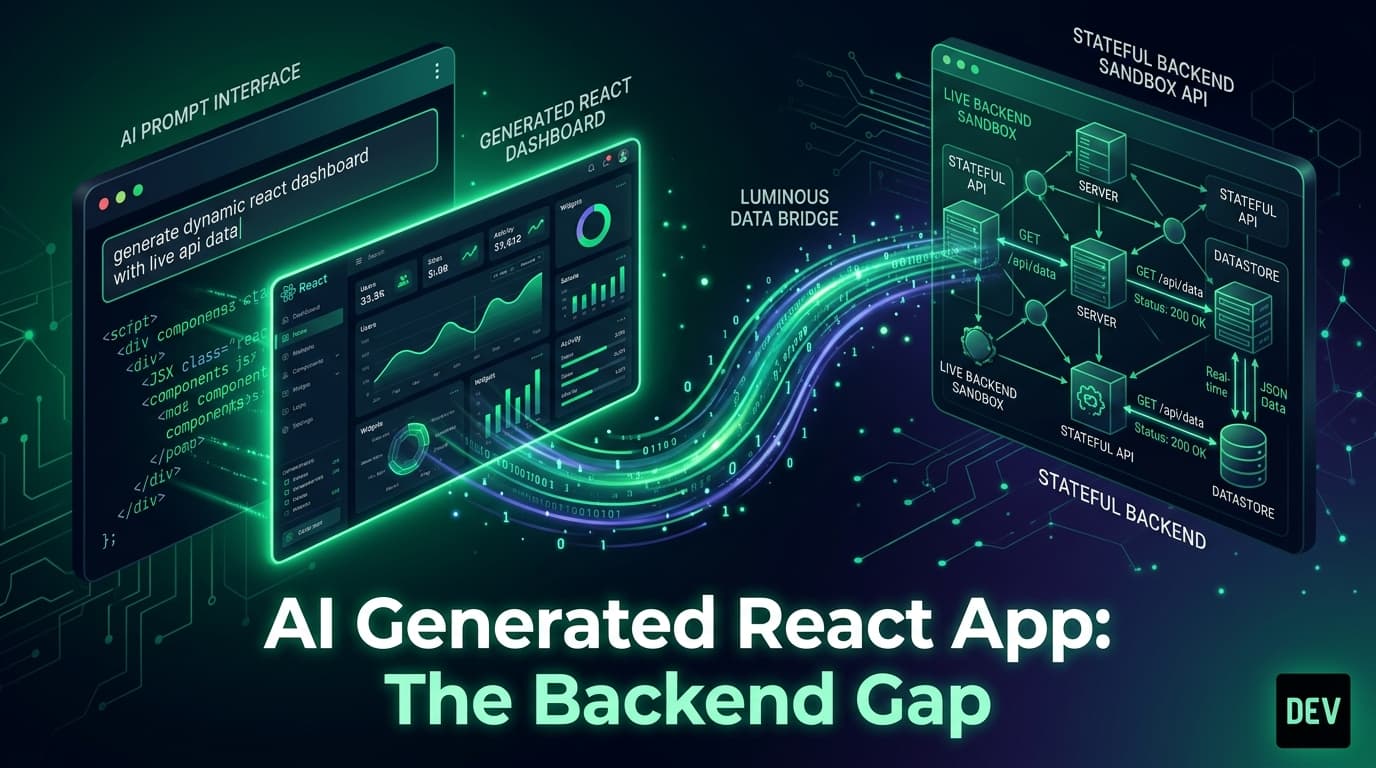
AI Can Build Your React UI in Seconds. What About the Backend?
We are living in a golden era of AI-assisted frontend development.
Tools like ChatGPT, Claude, GitHub Copilot, v0, Cursor, and Lovable can generate a gorgeous, fully-styled Tailwind and React admin dashboard in less than ten seconds. You prompt:
"Generate a modern task management dashboard with filtering, search, pagination, and a modal form to create tasks."
The AI delivers hundreds of lines of polished JSX, responsive grid layouts, and lucide-react icons.
You click the preview button. It looks incredible.
Then you type into the "Create Task" form, hit submit, and refresh the page. Everything resets to the initial dummy state.
AI models are world-class at generating user interfaces, but they hit an immediate wall when it comes to backend data persistence, HTTP lifecycle handling, and realistic API integration.
The "Static Array" Trap of AI Code Generators
When an AI model generates a React application, it almost always uses one of two patterns:
Pattern A: In-Memory useState Constants
The Problem: There are no network requests, no HTTP status codes, no latency, no pagination queries, and all state is wiped on browser refresh.
Pattern B: Connecting to Stateless Echo Endpoints
The Problem: The POST request echoes a fake ID, but subsequent GET queries never return the new record. The generated app feels broken.
Bridging the Gap: Giving AI Models an Authentic API Sandbox
To turn an AI-generated UI into a truly functional, clickable prototype, you need to provide the AI with a stateful API contract in your prompt.
Instead of letting the AI invent dummy arrays, instruct it to connect directly to Playground API by Niles Labs.
The Universal AI System Prompt for Stateful Backends
Add this context block to your AI coding prompts in Cursor, Claude, ChatGPT, or v0:
When given this context, the AI model writes real fetch or TanStack Query hooks that interact with a live, persistent cloud sandbox.
Example: AI-Generated Functional React Todo App
Here is an example of the clean, production-ready code an AI model generates when instructed to use a stateful sandbox:
Why This Matters for AI-Driven Product Development
- Instant Stakeholder Demos: AI-generated frontends can be hosted immediately on platforms like Vercel and sent to investors, clients, or product managers as functional, interactive web apps.
- True E2E Validation: You can verify whether the AI generated proper error handling, pagination state, and form validation against real HTTP status codes.
- Effortless Handoff to Backend Teams: Because the AI structured the frontend around real REST or GraphQL endpoints, your backend team has a ready-made specification to implement.
Conclusion
AI tools have solved the UI generation challenge. The missing link was a zero-configuration, stateful backend layer. By pairing your favorite AI coding assistant with a stateful sandbox, you can generate fully functional, persistent prototypes in seconds.
Give your AI models a stateful backend with Playground API by Niles Labs.
Try Playground API in Your Own App
Stateful mock REST & GraphQL API with private sandbox overlays.