How to Test API Error States in React Without a Real Backend
Learn how to test 400, 401, 403, 404, and 500 API error states, React error boundaries, and retry logic without intentionally crashing a backend server.
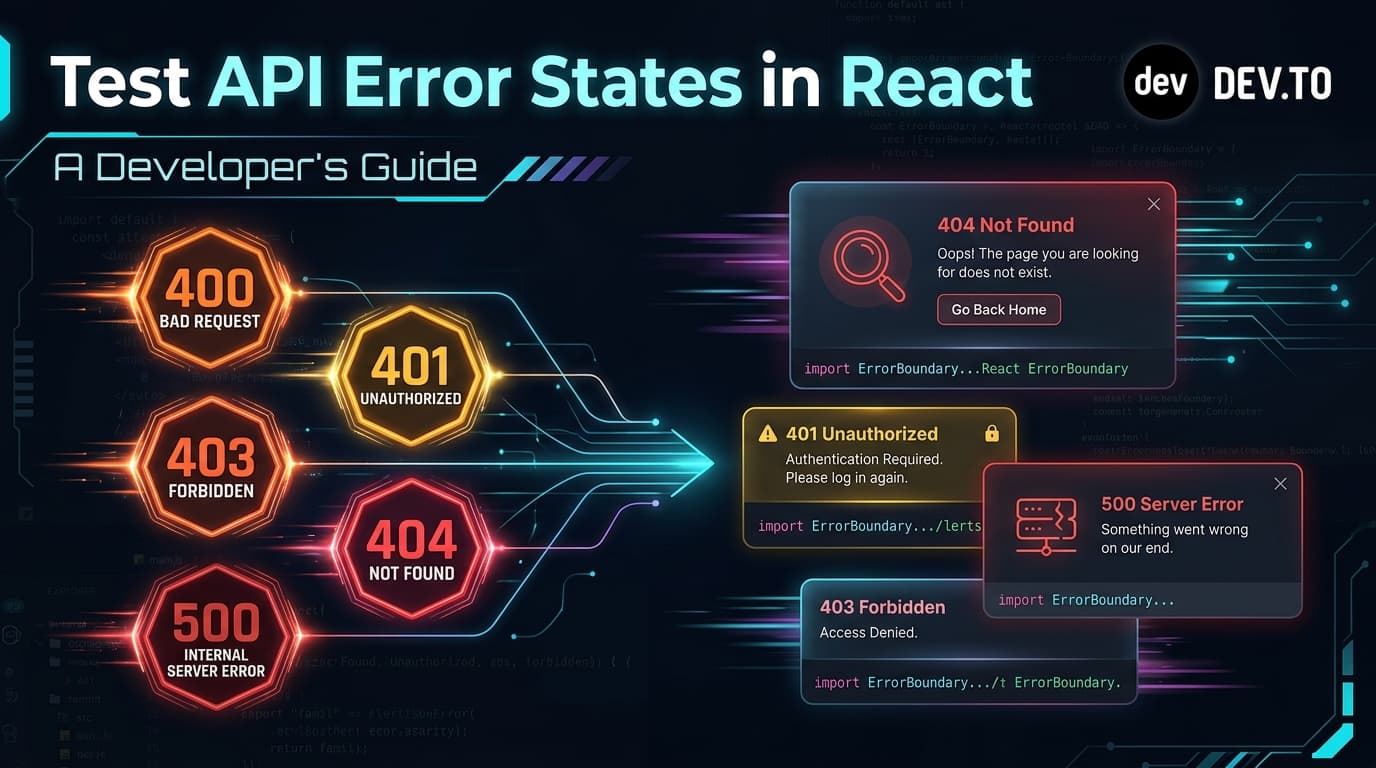
How to Test API Error States in React Without a Real Backend
Almost every frontend developer writes code assuming the "Happy Path":
- The API is online.
- The network connection is stable.
- The server responds with
200 OKin 50 milliseconds. - The JSON response matches the expected TypeScript type definition perfectly.
Then your application goes to production, and real life happens:
- A database query times out, returning a
500 Internal Server Error. - A session expires, returning a
401 Unauthorized. - An invalid query parameter triggers a
400 Bad Request. - A user visits an expired URL, receiving a
404 Not Found.
If your React application hasn't been tested against these error states, the user is often greeted with a blank white screen, an unhandled Promise rejection, or a broken spinner that spins forever.
How can you test how your UI handles errors without manually modifying backend code to throw exceptions or turning off your Wi-Fi?
The Common HTTP Error Codes Every React App Must Handle
Before diving into code, let's categorize the common HTTP status codes frontend applications encounter:
| Status Code | Meaning | Expected Frontend Behavior |
|---|---|---|
400 Bad Request | Malformed input / validation failure | Display field-level inline error messages. |
401 Unauthorized | Missing or invalid auth token | Redirect to Login modal or trigger silent token refresh. |
403 Forbidden | Insufficient permissions / RBAC | Show "Access Denied / Upgrade Plan" screen. |
404 Not Found | Resource does not exist | Render a friendly "Item Not Found" card with a back button. |
429 Too Many Requests | Rate limit exceeded | Display countdown timer based on Retry-After header. |
500 Internal Server Error | Unhandled server crash | Render an Error Boundary fallback with a "Retry" button. |
How to Simulate API Errors on Demand
Instead of editing server routes to throw fake errors or hardcoding if (debug) throw new Error() inside React components, you can use on-demand error simulation headers and query parameters.
Playground API by Niles Labs supports built-in error simulation using either query parameters or HTTP headers on any endpoint:
When this parameter or header is sent, the server immediately halts standard execution and responds with the requested HTTP status code and a structured RFC 7807 error payload.
Building a Robust React Error Boundary & Retry Component
Let's build an interactive user profile card in React that gracefully handles 404 Not Found, 500 Server Error, and network failures with automated retry logic.
1. The Data Fetcher with Error Parsing (userService.js)
2. The React Component with Status-Specific UI States
3 Golden Rules for Frontend API Error Handling
- Never Show Raw JSON Exceptions to End Users:
Always parse backend error payloads into human-readable action steps (e.g. "We couldn't find that article. Check the link or return home.").
- Always Provide a Recovery Action:
Every error state should have a "Retry", "Refresh", or "Back to Safety" CTA button. Never leave a user stuck on a dead-end screen.
- Log Unhandled Errors to Monitoring (Sentry / LogRocket):
If an error is unexpected (such as a 500 error), catch it in a top-level React <ErrorBoundary> component and dispatch the telemetry before rendering a fallback card.
Conclusion
Testing error states is just as important as testing happy paths. By leveraging simulated HTTP error statuses in your sandbox API, you can stress-test edge cases, error boundaries, and user feedback mechanisms before your code ever touches production.
To test error states and simulate HTTP failures in your application, start with Playground API by Niles Labs.
Try Playground API in Your Own App
Stateful mock REST & GraphQL API with private sandbox overlays.