How to Test Slow APIs and Network Latency in Frontend Applications
Discover why frontend apps break on slow networks, and learn how to simulate API latency, test skeleton loaders, handle race conditions, and cancel requests.
How to Test Slow APIs and Network Latency in Frontend Applications
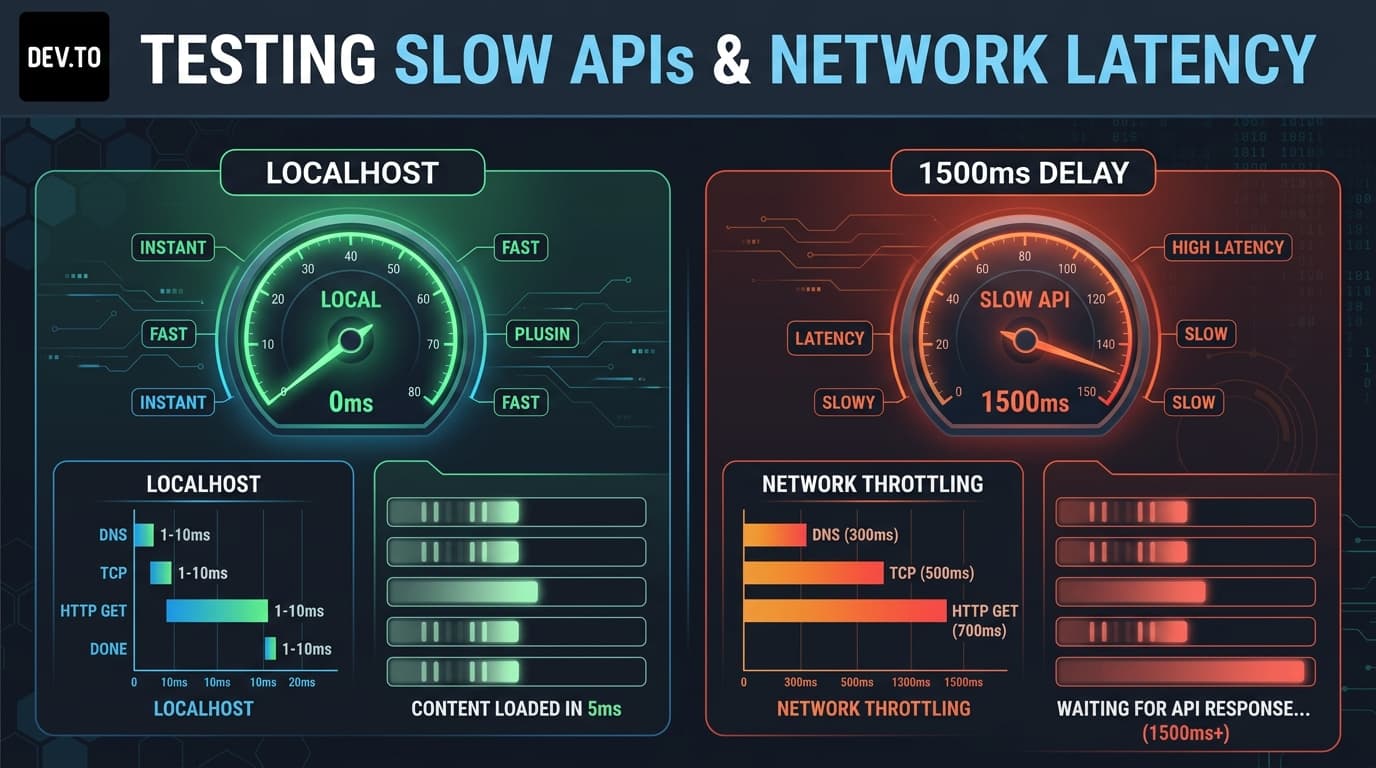
When developing locally on your high-speed laptop, your frontend feels blazingly fast. API responses resolve in 4 milliseconds. Modals snap open instantly. Transitions look silky smooth.
Then you test your web app on a mobile device with poor 4G reception, and everything falls apart:
- Layouts jump violently because skeleton loaders flash on and off in 20ms or don't appear at all.
- Fast typists trigger search autocomplete race conditions, where an earlier query resolves after a later query, displaying outdated results.
- Users double-click submit buttons because there is no visual loading indicator, creating duplicate records.
- Stale network requests continue executing in the background after the user navigates away.
Localhost is a deceptive environment. To build resilient user interfaces, you must test against realistic network latency during development.
Why Latency Breaks Frontend Applications
Real-world API latency is unpredictable. A response can take 200ms, 1500ms, or 8000ms depending on geographic distance, mobile network handoffs, and database load.
When API latency is introduced, frontend applications face three classic bugs:
1. The Autocomplete Race Condition
Consider a search bar. The user types "react", and then quickly types "react native".
If Request B finishes at 500ms and updates the screen, but Request A finishes at 1800ms and overwrites the screen, the user ends up looking at results for "react" even though the search input says "react native".
2. Layout Shift (Cumulative Layout Shift - CLS)
If data loads without placeholder skeleton loaders that match the exact aspect ratio of the incoming content, the page content jumps when data arrives, causing a jarring user experience.
3. Missing Request Cancellation
If a user switches tabs or navigates away while a 2000ms query is in flight, the unresolved Promise might attempt to update state on an unmounted component or waste unnecessary mobile bandwidth.
Simulating Network Delay on Demand
Instead of relying on browser DevTools global throttling (which slows down all asset downloads, CSS, and images simultaneously), you can throttle specific API requests using latency simulation parameters.
Playground API by Niles Labs allows you to inject millisecond delays into any endpoint:
This lets you test slow API endpoints in isolation while keeping the rest of your web application running at full speed.
Building a Race-Condition-Proof React Search Component
Let's build a search-as-you-type React component that combines:
- Shimmer skeleton loading state
AbortControllerfor active request cancellation- Artificial latency simulation for QA testing
3 Best Practices for Latency-Resilient Web UIs
- Always Implement Debouncing and
AbortController:
Every search bar or live filter should debounce keypresses by 200–300ms and cancel previous unresolved HTTP requests using AbortController.
- Prevent Double-Submissions on Slow Mutations:
Whenever a user clicks "Submit Form", immediately disable the button and show a spinner. On a 2000ms slow connection, impatient users will repeatedly click buttons if feedback is missing.
- Use Skeleton Screens Instead of Plain Spinners:
Skeleton screens preserve layout height and prepare the user’s eyes for incoming content, drastically reducing perceived latency.
Conclusion
A performant web application is not just one that runs fast on localhost—it is one that handles slowness gracefully. By actively injecting network latency into your mock APIs, you can expose race conditions, refine skeleton loaders, and build rock-solid loading states before shipping to users.
To simulate network latency in your own development workflows, try Playground API by Niles Labs.
Try Playground API in Your Own App
Stateful mock REST & GraphQL API with private sandbox overlays.